Only 4 Easy Steps:


①
②
Ask your SAP to send your SAP reports (including whether your RTD test should be drug, alcohol, or both) to: TrueBirdRTDTest@gmail.com or call 720-633-7810. Your SAP's contact information is located in your account in the Clearinghouse.
③
④
Click here to pay for RTD Drug & Alcohol Test (fee for both is $255)
Click here to register as an owner/operator on the Clearinghouse and request "TrueBird, LLC" to be your C/TPA. You will need to create a new account, use a different email from your original registration as a driver, and do not enter a DOT number (not needed for RTD only). Scroll down or Click here for instructions. Scroll down or Click here for YouTube video tutorial.
Make your payment (first make sure you have completed steps 1-3) and we'll send you for a test near you.
Call now for a free consult: 720-633-7810
YouTube Video Tutorial
Register in the Clearinghouse as an Owner/Operator
Choose TrueBird Nationwide Return-to-Duty Services as your C/TPA and we'll help you get to step 6 and back on the road!

Step-by-Step Instructions
Register as an Owner/Operator
& Select TrueBird, LLC as Your C/TPA in the Clearinghouse
✅ Step 1: Go to the Clearinghouse Website
Open your web browser.
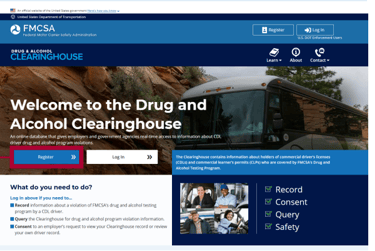
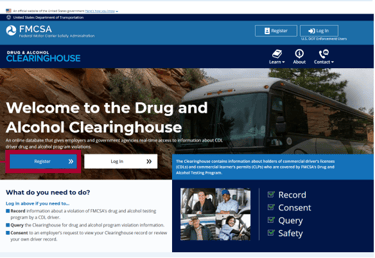
Click the “Register” button.
✅ Step 2: Register Using Login.gov
You will be prompted to sign in or create an account.
Choose “create an account”
Enter a new email address (a different email address than the one you used to register as a driver – different from the one you use to log into your current account).
Complete the security verification process.
Once logged in, you will be redirected back to the Clearinghouse registration page.
⚠️ Important:
You must use a different email address than your driver Clearinghouse account when registering as an Owner/Operator.
✅ Step 3: Select Your Role
On the “Select Your Role” page, choose:
→ EmployerWhen asked: “Are you also a driver?”
→ Choose "Register as an Employer and a Driver"Click Next.
✅ Step 4: FMCSA Portal Account Question
When asked: “Do you have an FMCSA Portal Account?”
→ Select NoClick Next.
✅ Step 5: Clearinghouse Administrator
When asked: “Are you the Clearinghouse Administrator?”
→ Select YesClick Next.
✅ Step 6: USDOT Number Question
When asked: “Does your company have a USDOT Number?”
→ Select NoA pop-up will appear asking if you need a USDOT number.
Select:
→ No, I do not need a USDOT Number (a DOT number is not required for the purposes of RTD testing).Click Proceed with Registration.
✅ Step 7: Enter Contact Information
Enter your personal information:
First name
Last name
Phone number
Email address
Click Next.
✅ Step 8: Enter Company Information
Company Name: Enter your full name (not a company name - this is how I will find you in the Clearinghouse - ex: John Doe)
Enter your physical address:
Street address
City
State
ZIP code
When asked: “Are you an owner-operator?”
→ Select YesEnter your phone number.
Click Next.
✅ Step 9: Designate Your Consortium/Third-Party Administrator (C/TPA)
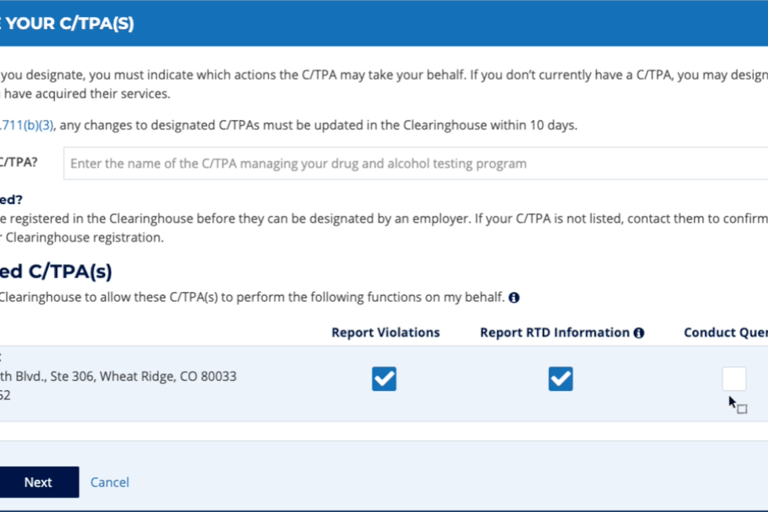
In the search box under “Designate Your C/TPA,” type:
→ TrueBird, LLC (Official)Select TrueBird, LLC (Official) from the search results.
You will see TrueBird, LLC (Official) listed as your designated C/TPA.
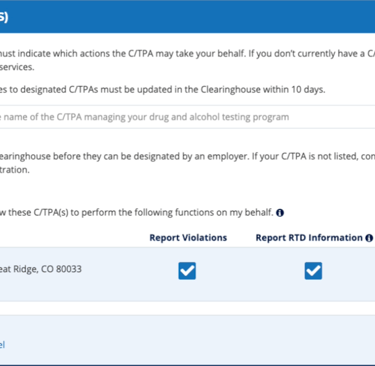
Choose "Report Violations" and "Report RTD Information"
Click Next.
✅ Step 10: Complete Registration
Enter your CDL Information
Click Verify
✅ Step 11: Accept Terms and Conditions and Confirm Registration
Once completed:
• Your Owner/Operator account will be active
• TrueBird, LLC will be designated as your C/TPA
• TrueBird will be able to manage your Return-to-Duty testing requirements
️Contact TrueBird with any questions:
☎️ 720-633-7810
📧 TrueBirdRTDTest@gmail.com